
A modern alternative to FileBot
Tidy media,
automatically.
Curator renames cryptic downloads into clean, correctly-named files — matched online for real titles and episode numbers — then files them into a collection worth browsing, posters and all. Native and fast on macOS, Windows and Linux. No browser in disguise, no Java.
Launching soon · Rename and match online, free forever · 14-day Premium trial, no card required
Smart matching
Messy filenames in. Correct names out.
Drop in a folder of cryptically-named downloads and Curator works out what each one is — the right show, the right film, the real episode title — using TheTVDB, TheMovieDB and Trakt. It shows you a confidence score for every match, and when it's not sure, you pick from a list of posters rather than guessing.
- Real episode titles, not just S01E02
- A poster picker when a match is uncertain
- Match a whole season in one go

Your collection
A library worth browsing.
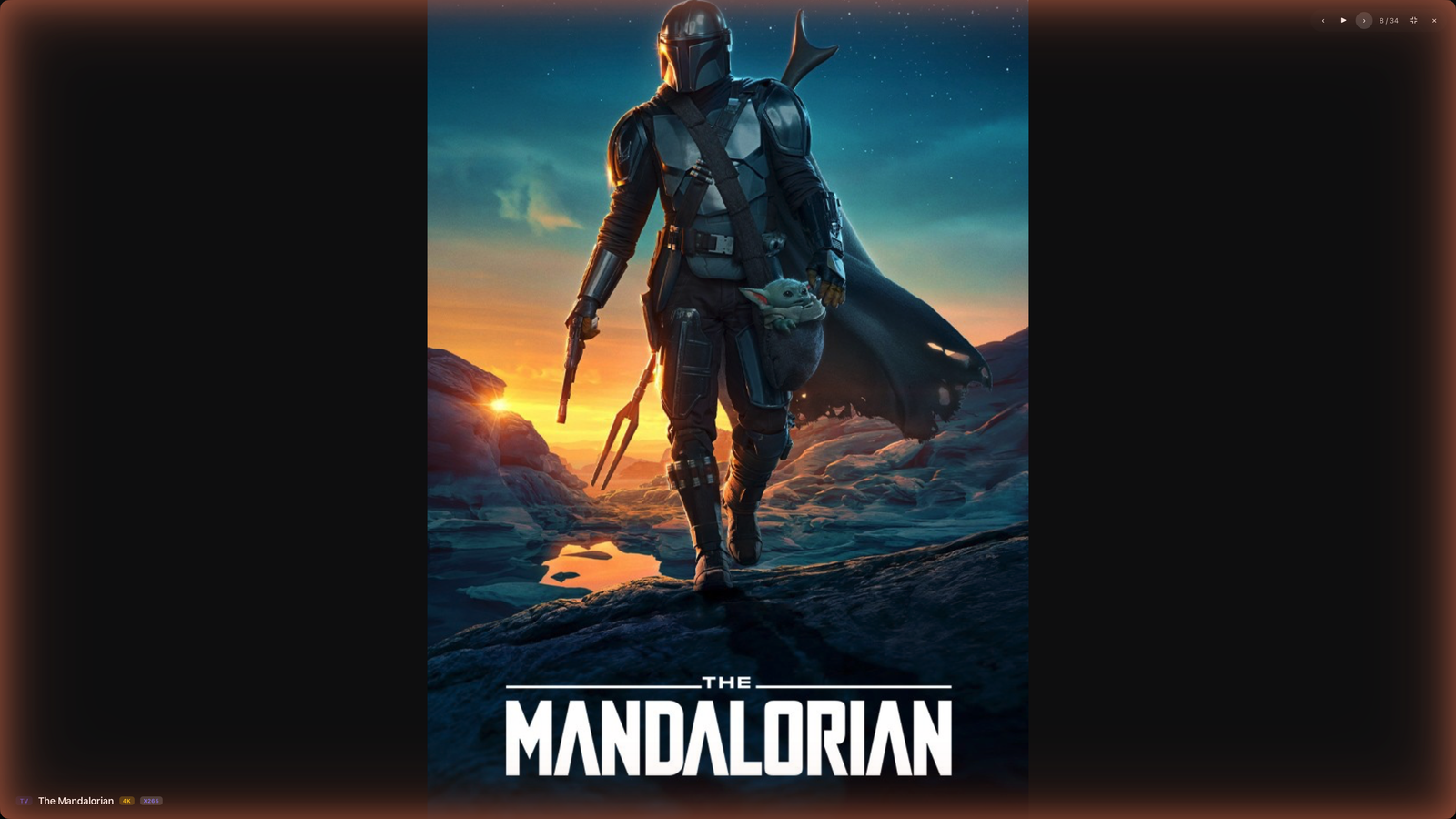
Everything you file lands in a poster wall that actually feels like a collection — sorted, searchable, with quality and codec badges read from the real files and community ratings on every tile. It's the part of organising your media that's usually a spreadsheet, made into something you'll open for fun.
- 4K / HD / codec badges from the actual file
- ★ ratings on every title
- Bring your own artwork any time
A note while we're getting started: TV artwork is live today, but full studio movie posters switch on a little after launch. Until then films are still matched and named correctly — they just show a placeholder you can swap for your own poster.

Completion tracking
See exactly what you're missing.
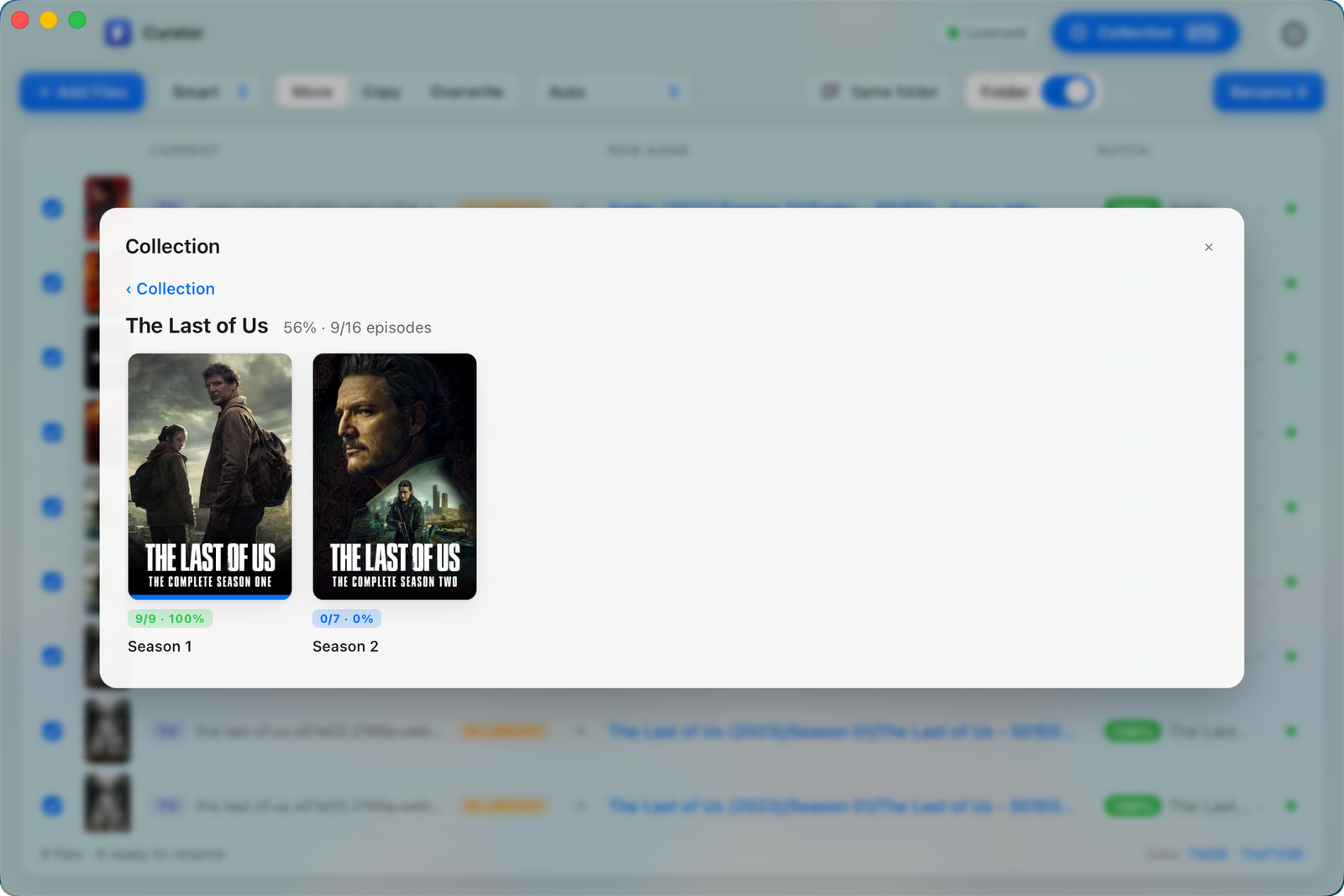
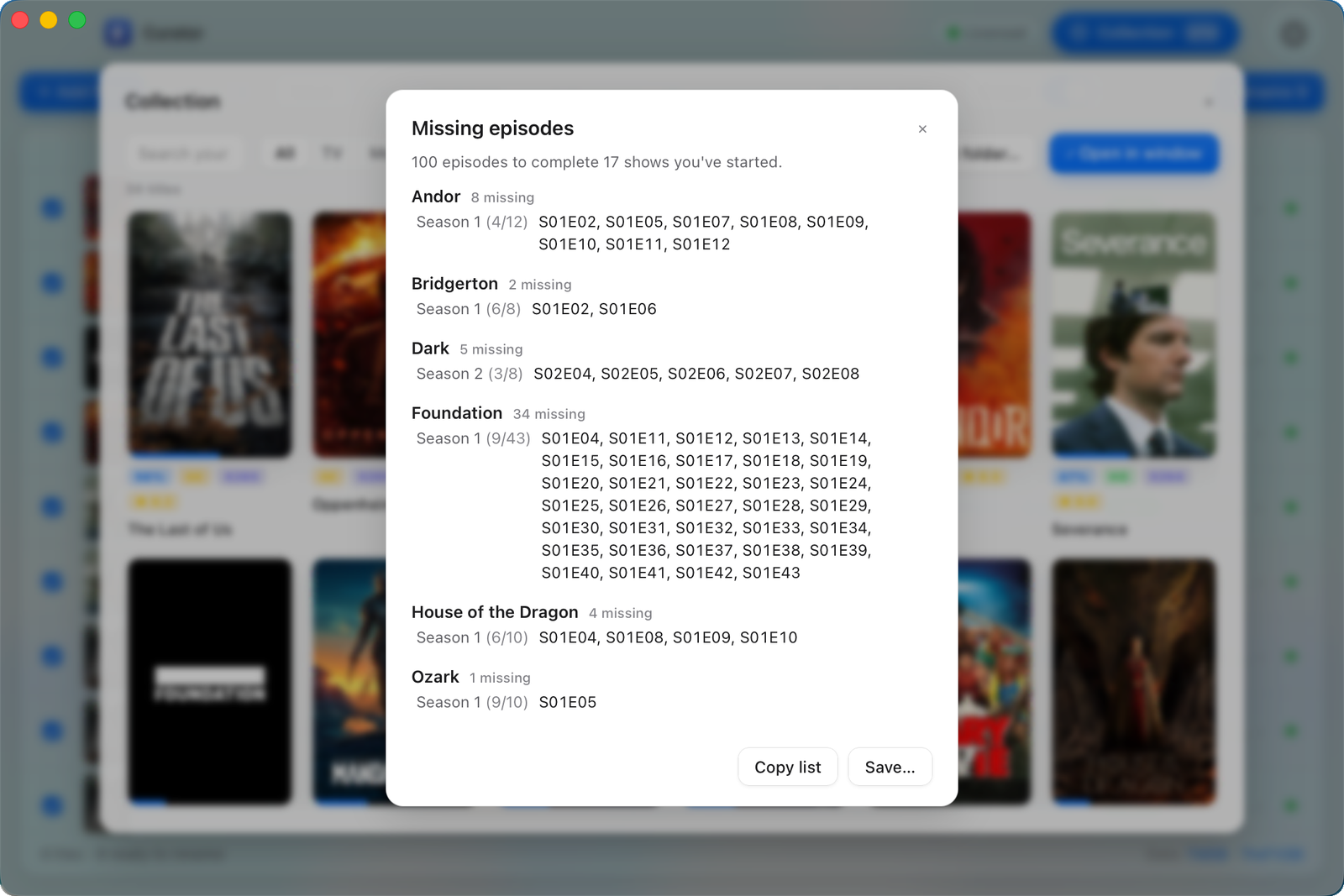
Curator knows how many episodes a season should have, so it can tell you what you've got and what you haven't — per show, per season, down to the individual episode. The missing-episodes report turns that into a simple shopping list for finishing a collection.
- % owned for every show and season
- A grid of the gaps you're missing
- Export a 'what to get next' list
Presentation mode
Put it on the big screen.
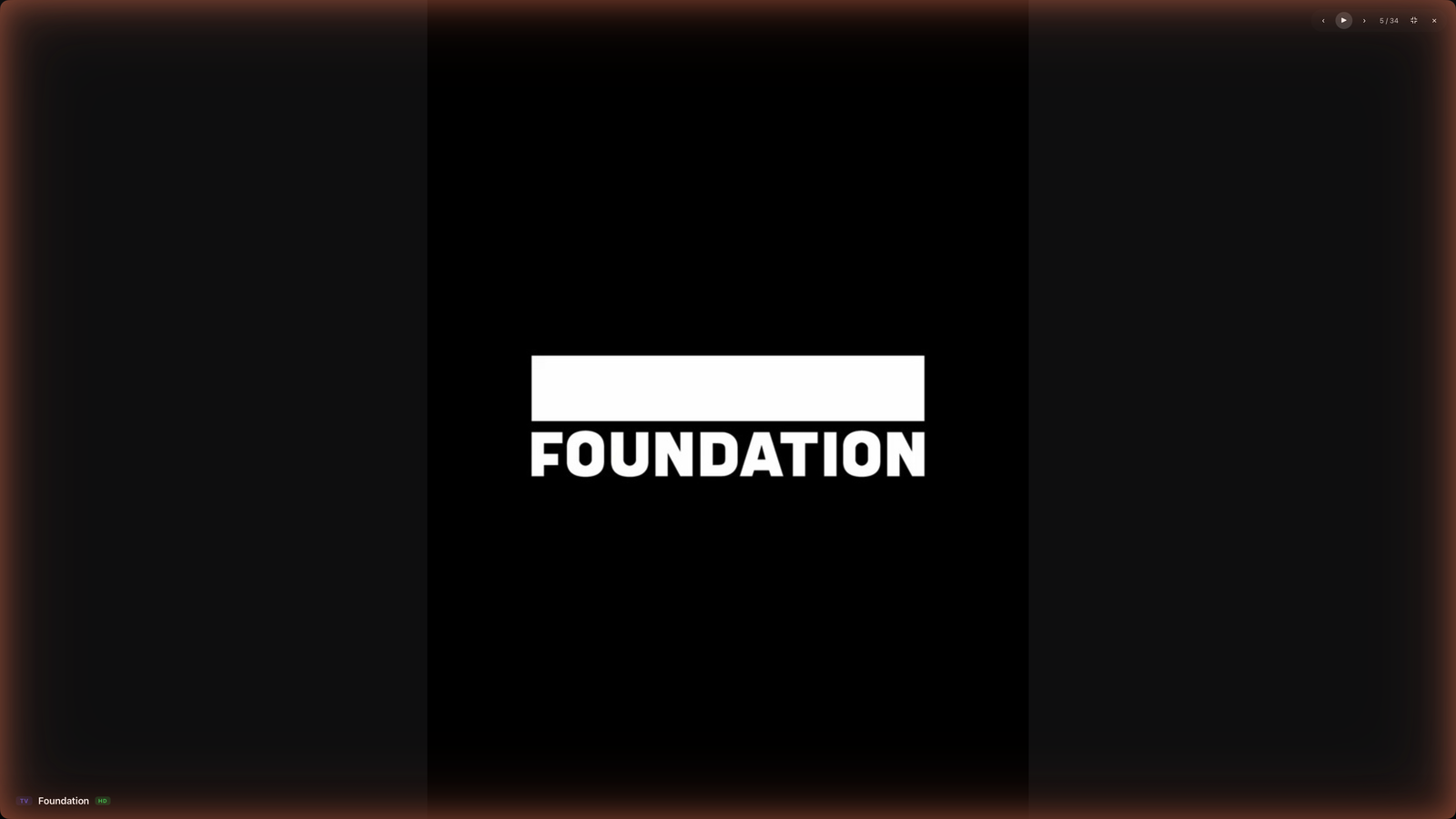
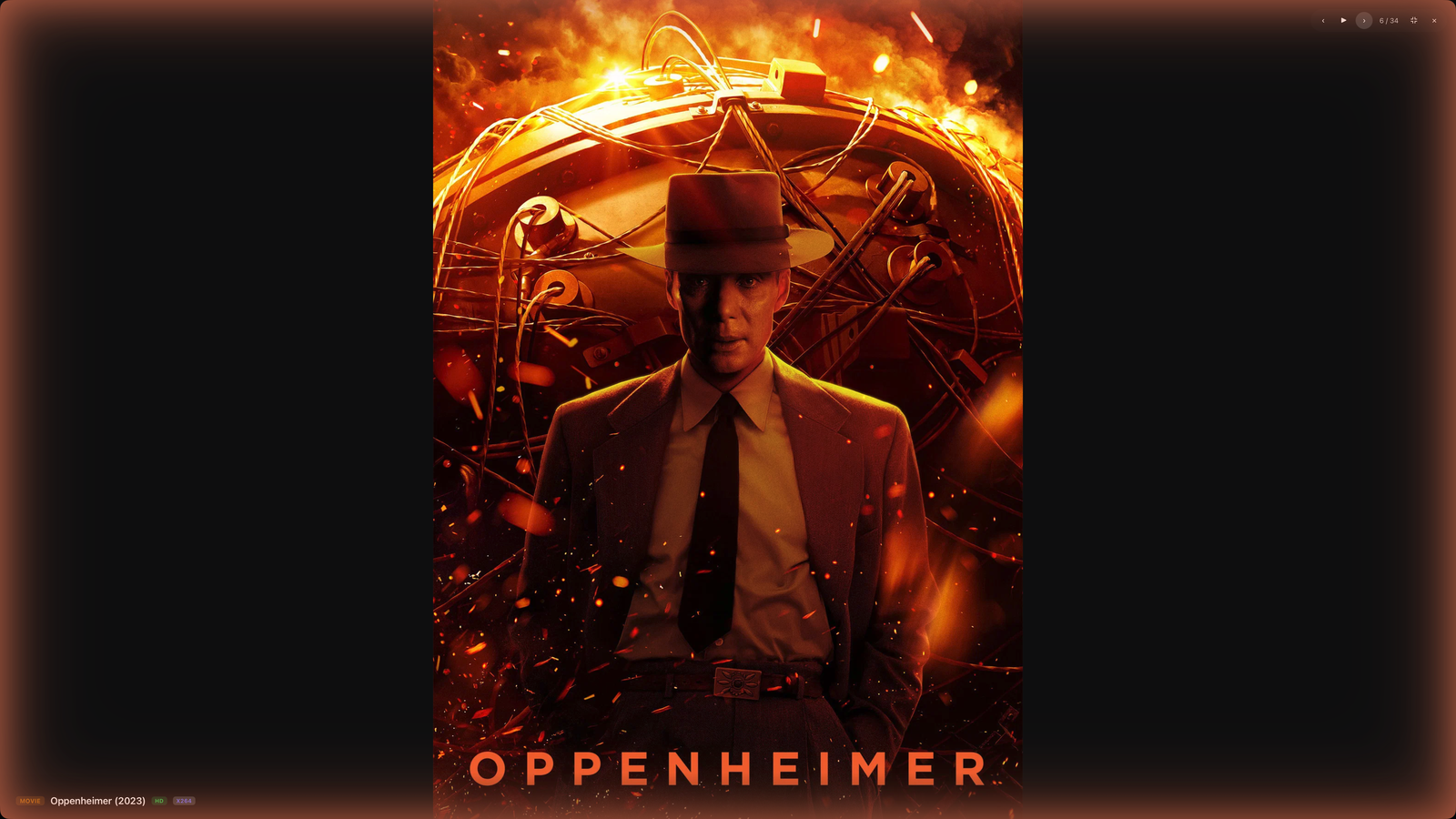
A full-screen, slowly-crossfading wall of your own posters. Lovely on a TV or a spare monitor, and a quiet reminder of just how much you've built.
- Full-screen poster slideshow
- Runs on a second display
- Your library, as a screensaver


Your rules
Organised exactly how you want.
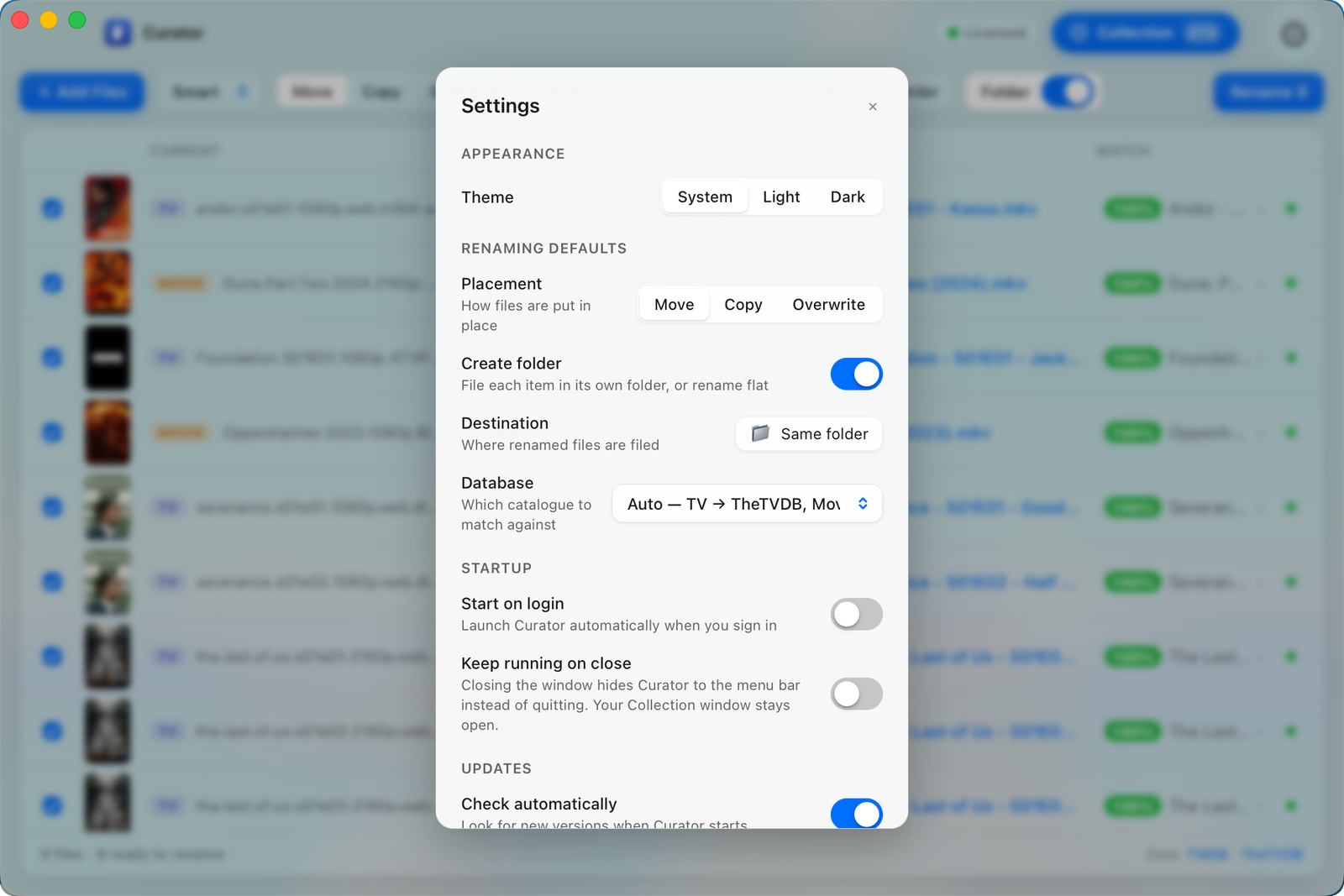
Choose whether each item gets its own tidy folder or is renamed in place — and watch the new name update live as you toggle. Move, copy or overwrite. Use the Smart preset that tells TV from film automatically, or pin your own. Nothing is ever overwritten by accident, and every rename is a single click to undo.
- Folder structure on or off — preview updates live
- Move · Copy · Overwrite
- One-click undo, never clobbers a file
Know your library
A health check for your whole collection.
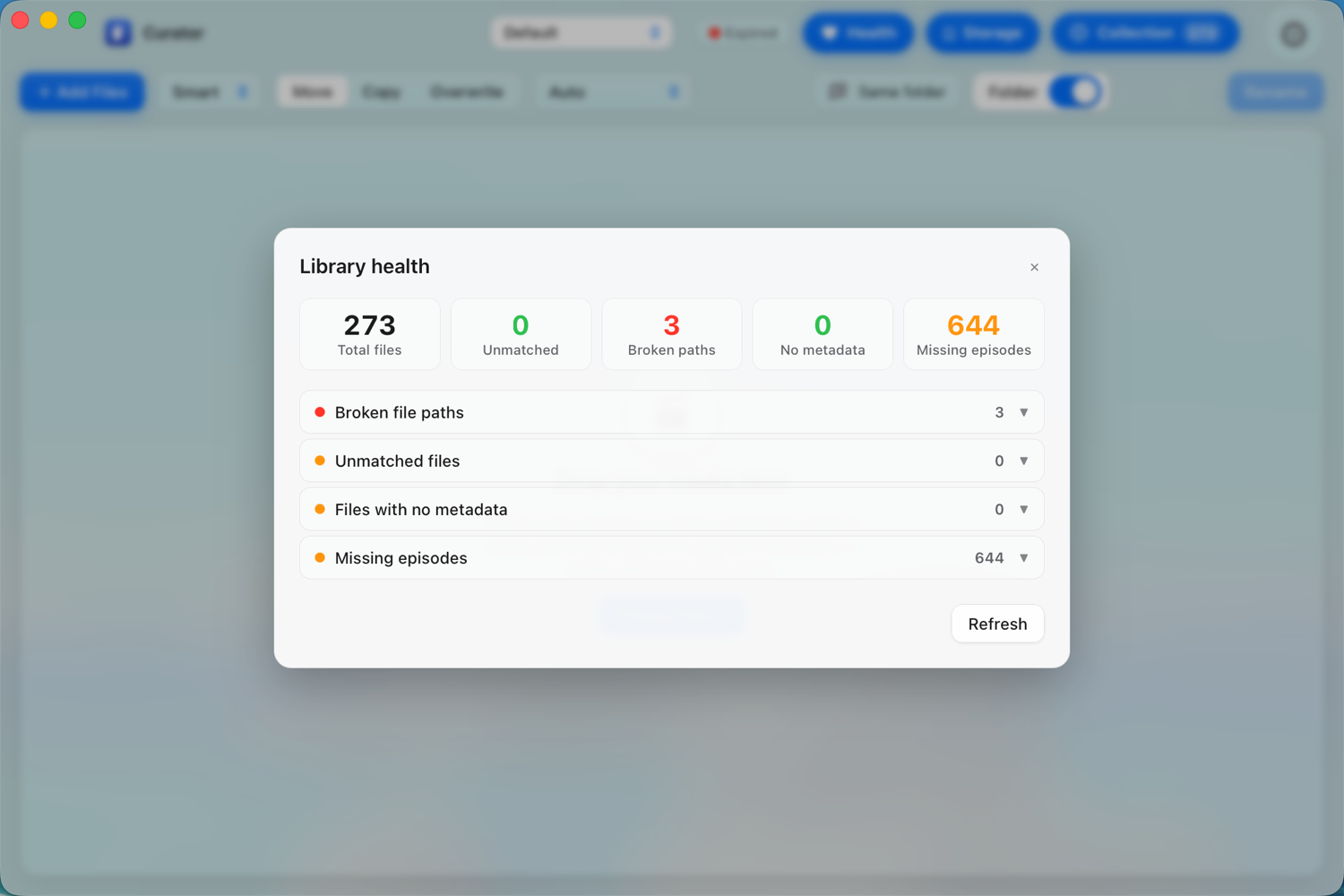
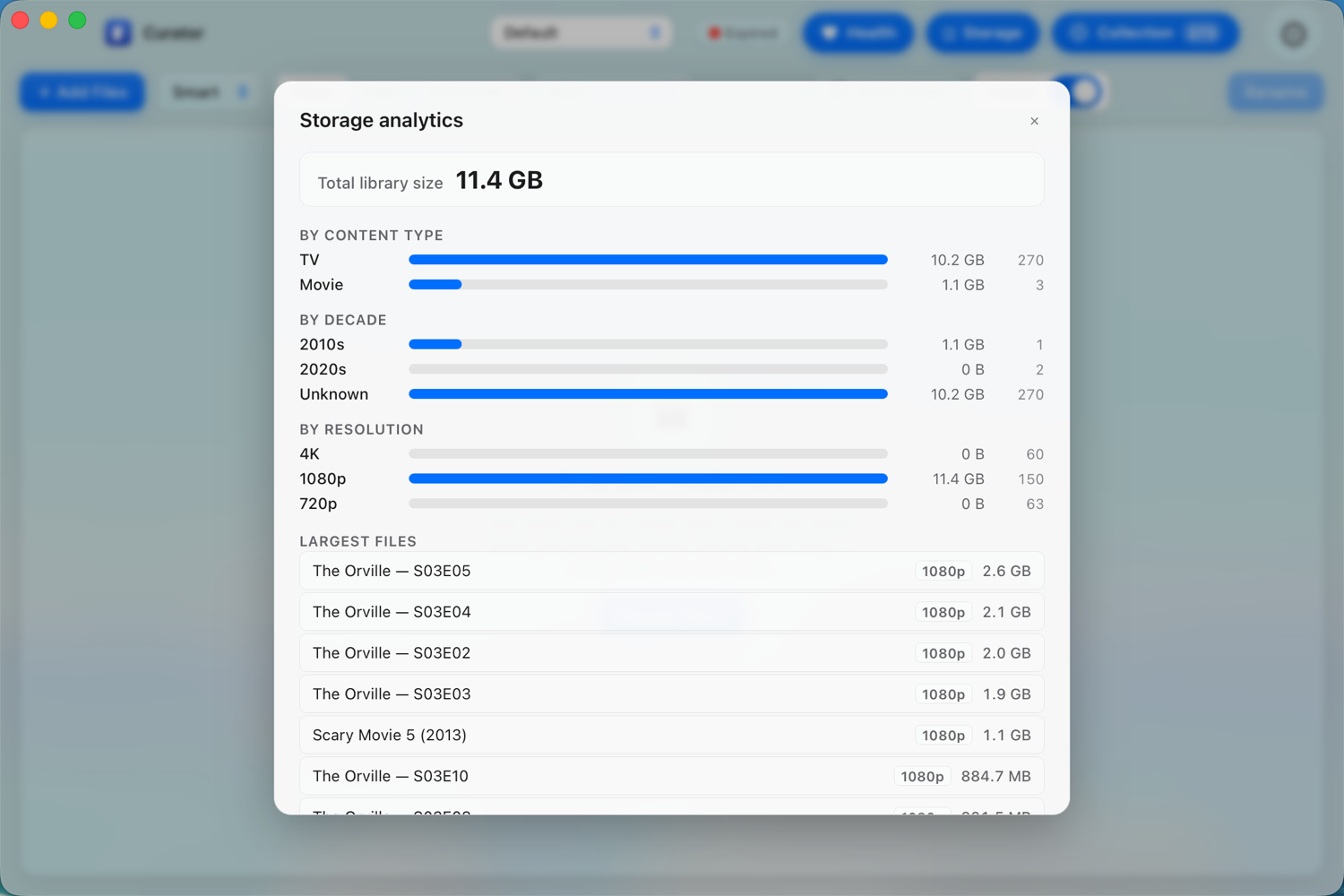
Curator scans everything you've filed and tells you what needs attention — broken paths, unmatched files, gaps in a season, missing metadata — in a single pass. Then it breaks your storage down by decade, resolution and content type, and lists your biggest files so you can see where the space is going.
- Broken paths, unmatched files and missing episodes at a glance
- Storage by decade, resolution and content type
- Find your largest files and bloated encodes
And a lot more
Everything else a power library needs.
Automation
Watch a downloads folder and Curator files new media the moment it lands. Scheduled scans, automatic Plex / Jellyfin / Emby refresh, plus webhooks and hooks for Sonarr, qBittorrent and your own scripts.
Smart organisation
Duplicate detection spots the same episode filed twice — keep the highest quality automatically. Quality-upgrade prompts, custom folder templates and rule-based routing keep everything tidy.
Subtitles, NFO & artwork
Auto-download subtitles in your languages from OpenSubtitles, write NFO sidecars, and embed poster art into your files with ffmpeg — ready for Plex, Kodi and Jellyfin.
Anime, done right
AniDB exact-hash matching, absolute-numbered shows like One Piece and Bleach named correctly, and preferred fansub-group handling when you have more than one copy.
Power tools
Persistent history with multi-batch undo, multiple profiles for different libraries, a command line, and rhai scripting macros for when you want the last word on a name.
Genuinely native
Built with Rust, not a packaged web browser. A real installed app of around 12 MB that opens instantly.
Private by default
Your library lives on your machine. No accounts to browse it, and you can export everything to move computers whenever you like.
Safe renames
Curator never overwrites a file by accident, checks the destination first, and every batch is one click to undo.
macOS · Windows · Linux
One app, every desktop. Light and dark, and it looks at home on each.
Pricing
Free to rename and match. Premium for the rest.
Renaming and online matching will be free forever. At launch you'll be able to try everything else free for 14 days — no card required — then stay on Free or upgrade.
Free
- Rename TV, film & anime with live preview
- Online matching — real titles & episode numbers via TheTVDB & Trakt
- Smart, TV and Movie presets
- Move, copy & safe renames — one-click undo
- Offline filename parsing when you're not connected
- No account, no card, no expiry
Available at launch. Yours to keep.
Premium Yearly
- Everything in Free, plus:
- Posters & artwork on every match and a full collection poster wall
- Auto-extract archives (zip, rar, 7z) — then match & rename the contents
- Completion tracking & presentation mode
- Automation, duplicate & quality-upgrade detection, health reports
- Subtitles, NFO & artwork, anime, CLI & scripting
- Use it on 2 of your computers · every update while subscribed
On sale at launch — $9.99/year, cancel any time.
Premium Lifetime Best value
- Everything in Premium Yearly
- Pay once — no renewals
- Free updates for the current major version
- Use it on 2 of your computers
On sale at launch — one payment of $80, covers all of the current major version.
Launching soon
Get Curator
Curator is in final testing and launches soon on macOS, Windows and Linux. Register your interest and you'll be the first to know when it ships — nothing else, no spam.
Coming to Apple Silicon · Windows 10/11 · AppImage